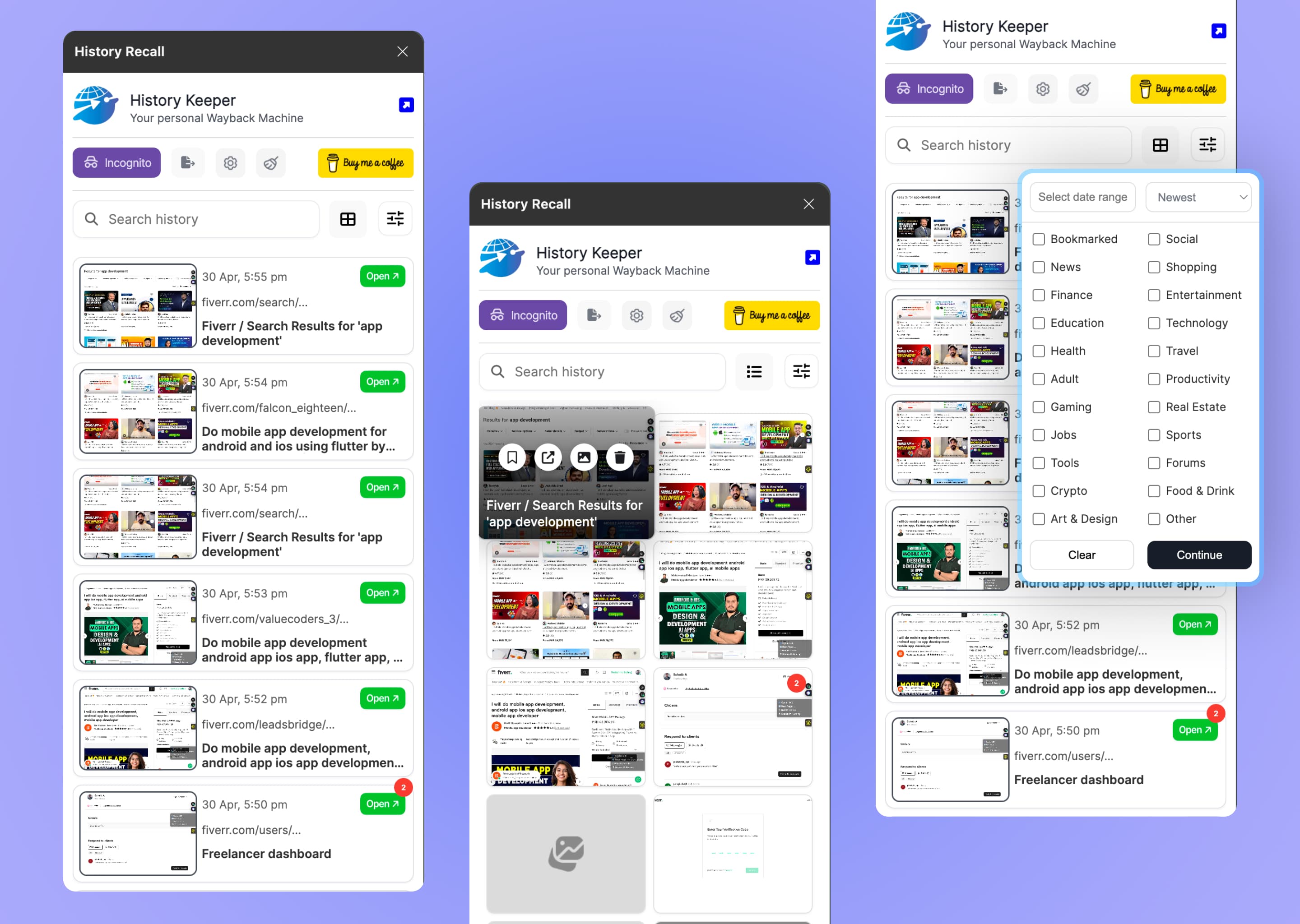


This Privacy Policy explains how the History Recall Chrome extension ("the Extension"), provided by TomorrowByte, handles your information. History Recall is a personal Wayback Machine — and your browsing snapshots stay 100% on your own device.
1.Information We Collect
History Recall does not collect, transmit, or sell any personally identifiable information. We do not operate telemetry servers, analytics, or tracking pixels. The Extension has no "phone home" behavior.
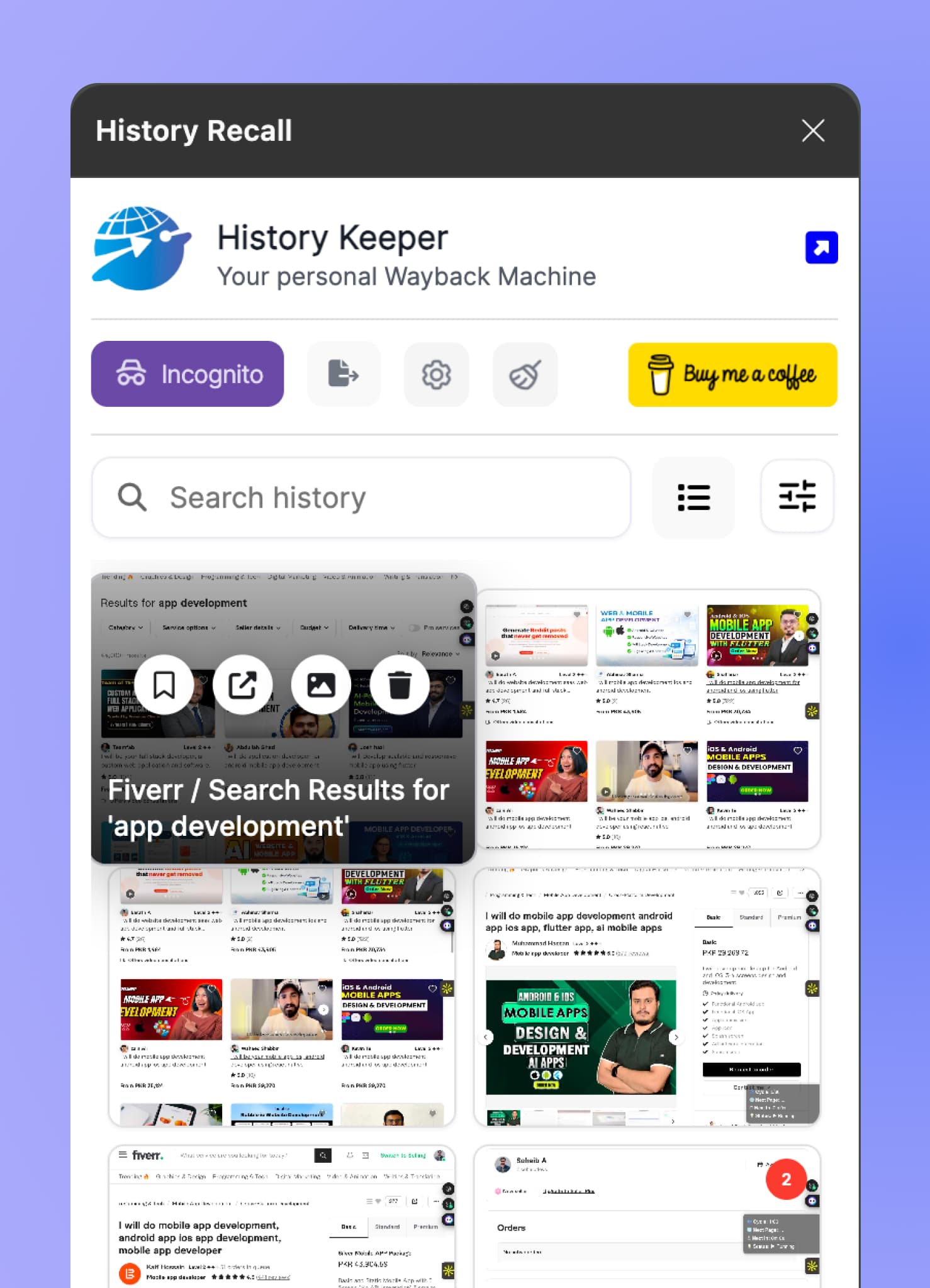
The Extension captures visual snapshots and metadata (page title, URL, favicon, description, timestamp, auto-classified category) of pages you visit, and stores them entirely on your own device using your browser's local storage sandbox.
2.How the Extension Works
History Recall builds a private, visual timeline of your browsing. Specifically, the Extension:
- Captures a snapshot when a page finishes loading.
- Skips duplicate snapshots via intelligent change detection.
- Auto-rotates older snapshots to stay within your chosen storage cap (100MB / 200MB / 400MB / 800MB).
- Auto-classifies sites by category (Social, News, Finance, Shopping, etc.) for filtering.
- Honors your domain blocklist — listed sites are never captured.
- Pauses entirely when Private Time is toggled on.
- Lets you export your archive locally as JSON or ZIP at any time.
3.Permissions & Why We Need Them
Per its manifest, History Recall requests only the permissions required for these features:
These permissions are never used for tracking, advertising, or anything outside the documented features.
4.Local-First Data Storage
All snapshots and metadata are stored exclusively in your browser's local storage sandbox. They never leave your device. There is no cloud, no account, and no developer dashboard with access to your history — even we cannot see what you browse.
You can clear stored data at any time by:
- Using the in-app "Clear History" controls.
- Lowering your storage cap to force older entries to drop.
- Uninstalling the Extension.
- Clearing your browser's extension storage manually.
5.Domain Blocklist & Private Time
You can add any domain (banking, email, work portals, password managers, etc.) to the blocklist — those sites will never be captured. The Private Time toggle pauses capture entirely for sessions you don't want recorded.
6.Third-Party Services
History Recall does not include third-party analytics, advertising SDKs, or external trackers. The extension's Content Security Policy permits an optional connection to Firestore for non-personal configuration only — no browsing data is sent.
7.Account & Login
History Recall has no sign-up, no login, and no cloud account. Your snapshots are accessible only through the browser instance that captured them.
8.Children's Privacy
History Recall is intended for general adult use. It is not directed to children under 13, and we do not knowingly collect data from children.
9.Changes to This Policy
We may update this Privacy Policy occasionally. The revision date at the top of this page will reflect the most recent update. Continued use of the Extension after changes are posted constitutes acceptance of the revised policy.
10.Contact
For questions about this Privacy Policy or the Extension, contact us at contact@tomorrowbyte.com.
© 2026 TomorrowByte. All rights reserved.